Your entire study life, powered by AI.
Keep notes, assignments and course documents in one place — and get instant AI summaries whenever you upload something new.
Free to use. No credit card required.

Academique
Study smarter, together
Sound familiar?
- Notes in one place
- Assignments somewhere else
- PDFs scattered across folders
- Deadlines forgotten
- Too many separate AI tools
Everything a student's browser tab graveyard used to hold.
One app instead of ten, built around what actually happens when you sit down to study.

AI-powered study tools, in one place

$0
Free to start, always

5 min
To your first AI summary
One workspace for everything
Every subject you're studying, and everything that goes with it, in a single place.
Built for actual studying
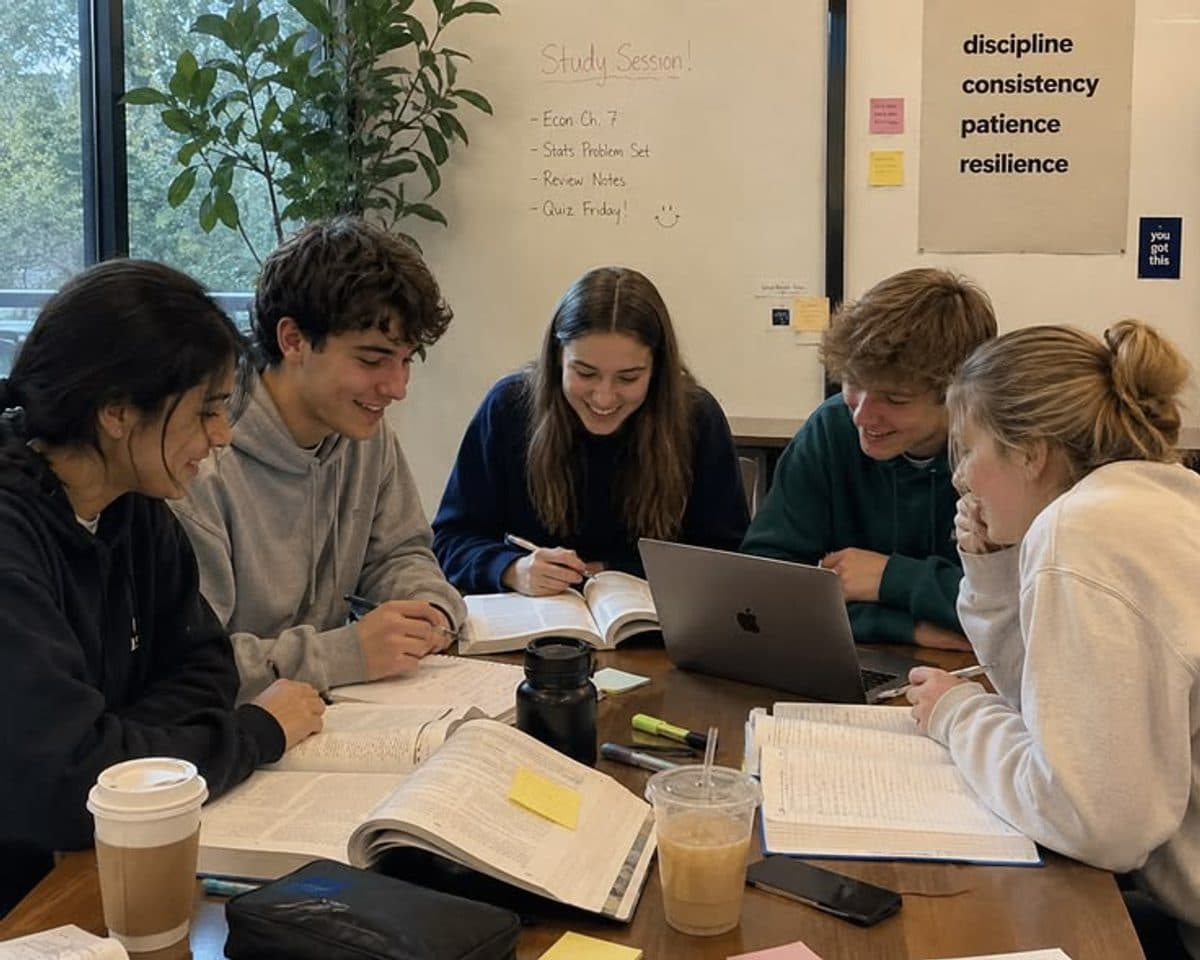
Library tables, group projects, coffee-shop cram sessions — wherever it happens, Academique is the one tab you keep open.
Everything your study workflow needs
Every subject gets its own space
Create a course for whatever you're studying, and every note, assignment and document you add lives right inside it.
- Linear Algebra
- Organic Chemistry
- World History
Smart study tools
How it works
Step 1
Create a course
Add a subject you're studying with a title and short description.
Step 2
Add your material
Upload documents, write notes and track assignments as you go.
Step 3
Let AI help
Summarize a document instantly whenever you need the key points fast.
Everything in one place
Courses, notes, assignments and documents — no more juggling five different apps.
AI when you need it
Generate a plain-language summary of any uploaded document in a couple of clicks.
Nothing falls through the cracks
Overdue assignments are flagged automatically, right on your dashboard.
Your data
Straightforward, and no bigger claims than we can back up.
Scoped to your account
Every course, note, assignment, document, chat conversation, quiz and flashcard set you create is tied to your account and isn't visible to anyone else.
Uploads stay on the server
Files you upload are stored on the server and aren't shared with any third party by default.
AI only sees what you ask it to
A document's content is sent to Google's Gemini API only when you use an AI feature on it — summarizing, chatting, or generating a quiz or flashcards. Nothing is sent automatically on upload, and questions you ask the AI tutor are sent without any document attached.
Still early
There's no self-serve data export or account deletion yet, and no encryption-at-rest or compliance certification to point to. If you need either, reach out.
Frequently asked questions
Is Academique free?
Yes — every feature described on this page as available today is free to use.
What can I upload?
PDF, Word (.docx) and PowerPoint (.pptx) files, up to 15MB each.
Can I chat with my PDFs?
Yes — open any uploaded document and use the chat panel to ask questions about it. There's also a general AI tutor per course for questions that aren't tied to one document.
How does the AI work?
For a summary, chat message, quiz or set of flashcards, the relevant document's content (or your question, for the AI tutor) is sent to Google's Gemini API, which generates the response.
Can I use it for multiple subjects?
Yes — create as many courses as you need, each with its own notes, assignments and documents.
Is my data private?
Your courses, notes, assignments and documents are only visible to your account. See the data section above for exactly what leaves the server and when.